Basics
The everyday workflow: create, edit, drive and mirror a shape, plus what is good to know when working with SHAPES.
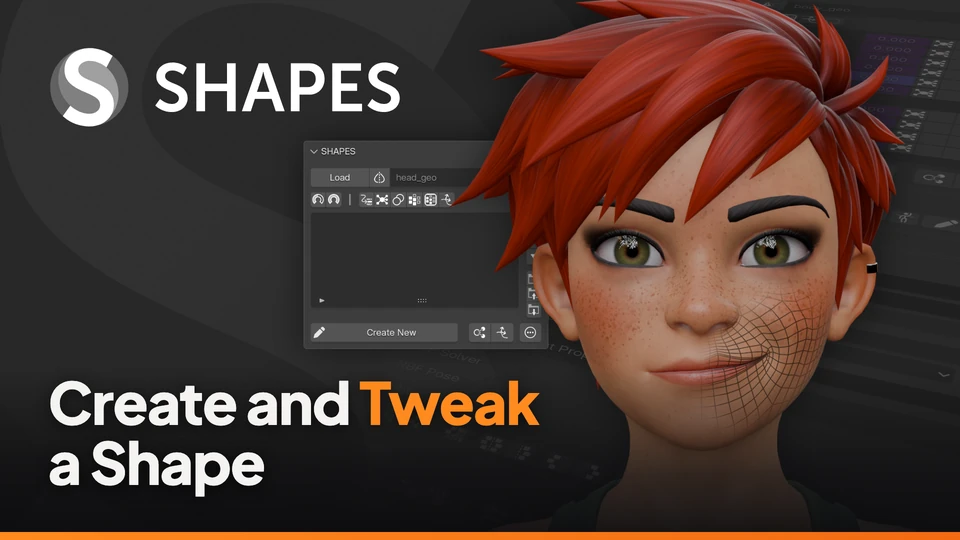
Create and Tweak a Shape
The basic workflow: load a mesh, create a new shape key in a pose and adjust it later.
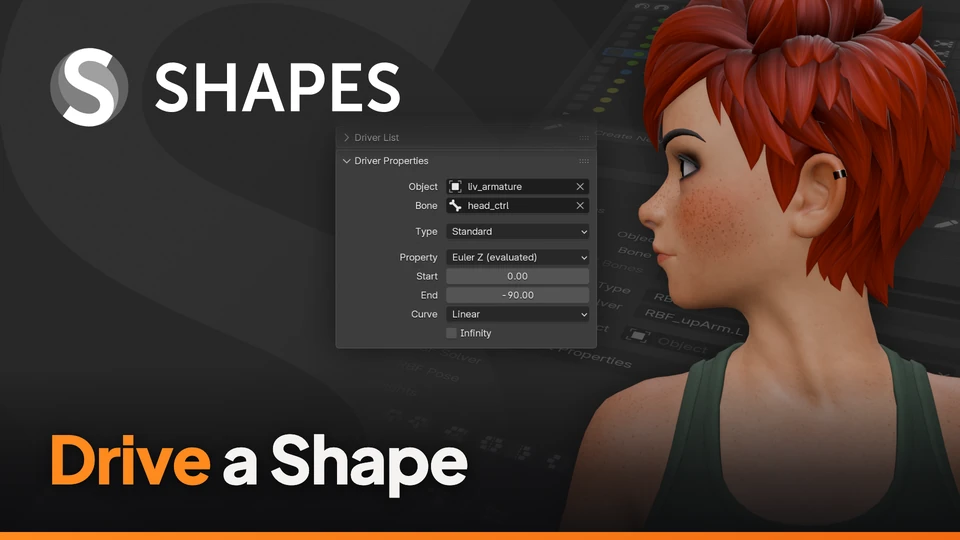
Drive a Shape
Link a shape to a bone so that a pose activates it, for an existing shape or while creating a new one.
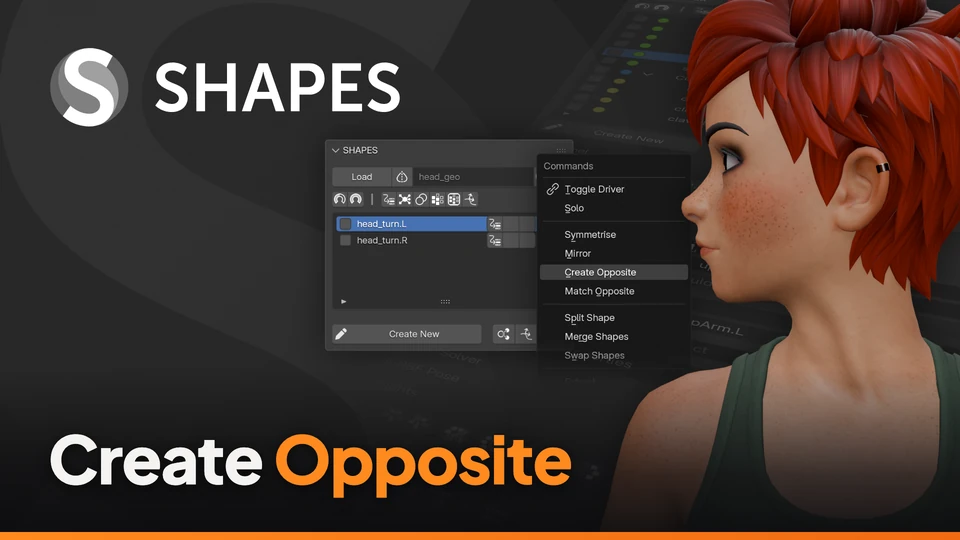
Create Opposite
Mirror a finished shape to the other side of the character, including its driver.
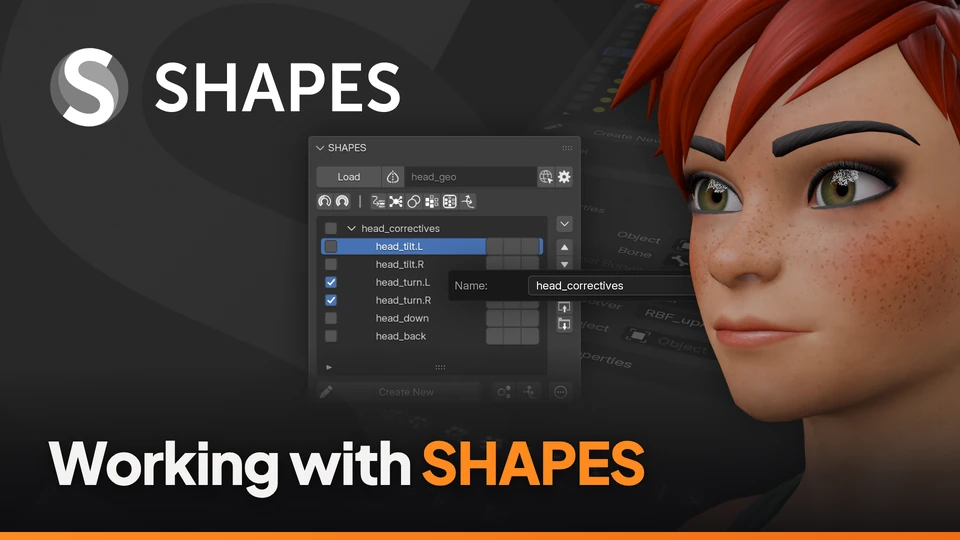
Working with SHAPES
A few things which are good to know: some are by design, some exist because of what Blender allows an add-on to do.
Organisation
Keep large setups manageable with groups, labels and filters.
Symmetry
The Symmetry Map behind every mirroring command in SHAPES.
Splitting
Create new shapes from existing ones: split, merge, swap and paint regions.
Split, Merge and Swap
Three commands which create new shapes from existing ones, or rearrange them.
Influence Map
Break down a complex shape into several regions, simply by painting them.
Editing
Tools for refining shapes while they are being edited.
Blend Preview
See a shape together with the animation while it is still being edited.
Conform Shape
Find and fix vertices that move differently from their neighbours while editing a shape.
Clean and Extract Shapes
Remove unwanted parts from a shape key, and get a shape out as a separate mesh.
Synchronised Shapes
Edit shapes on several related meshes at the same time, so that they work together.
Drivers
Standard drivers in detail, and RBF setups with RBF Nodes.
Driver Details
Reuse drivers, fine-tune them, and change the value of a shape which is driven.
RBF Poses
Drive shapes with an RBF solver pose by pose, and add a new pose to a working setup. Requires RBF Nodes.
From ROM Animation to RBF
Turn a set of corrective shapes into a complete RBF setup with a few clicks. Requires RBF Nodes.
Combos
Combination shapes and how edits carry over into them.
Combos
Edit Propagation
Animation
Shape corrections for animated shots.
Shot Fix
Pipeline
Moving shapes and setups in and out of SHAPES.
Import and Export